Choose a plan
Compare the duration and simultaneous connections against your needs.
Compare clear subscription terms, check the devices you use, and follow practical setup guides for streams you are authorized to access.
Trial availability and conditions are confirmed directly by the provider.
Example totals for one simultaneous connection. Select a different connection count on the pricing page.
Browse examples of familiar networks and entertainment artwork. Explore the channel directory for genre categories.
































Brand names and artwork are shown for identification only; their appearance does not confirm availability or imply affiliation. Browse the channel directory for genre categories.
Choose your screen, then follow the setup steps for your model.
This is a genre index, not a verified live channel catalogue. Confirm specific availability before ordering.
Confirm what is offered before payment and use only authorized connection details.
Compare the duration and simultaneous connections against your needs.
Ask about availability, payment, trial conditions, and delivery expectations.
Follow the guide for your model and use your own authorized configuration.
Shared chat screenshots show customers asking for setup help and sharing feedback.
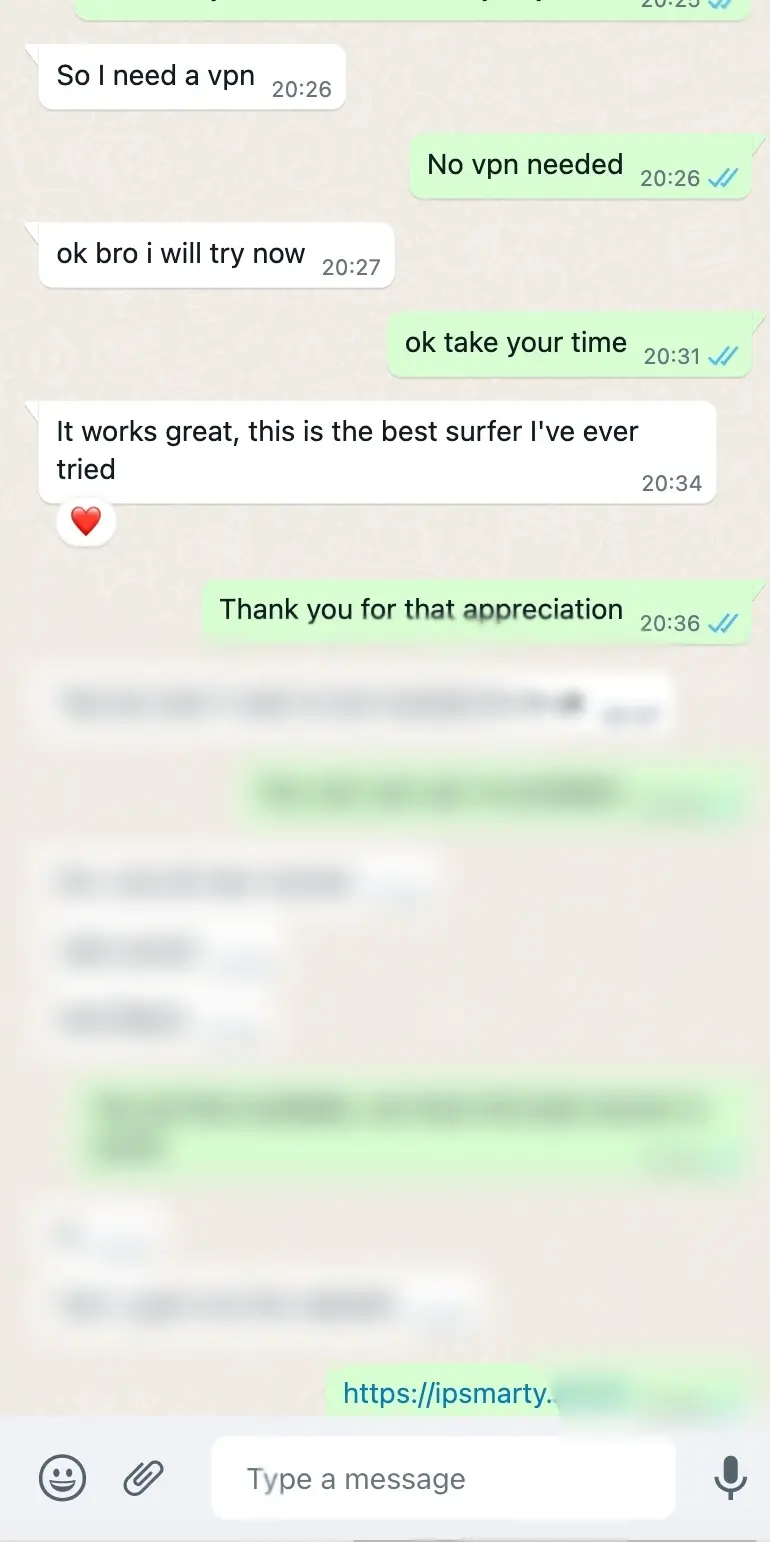
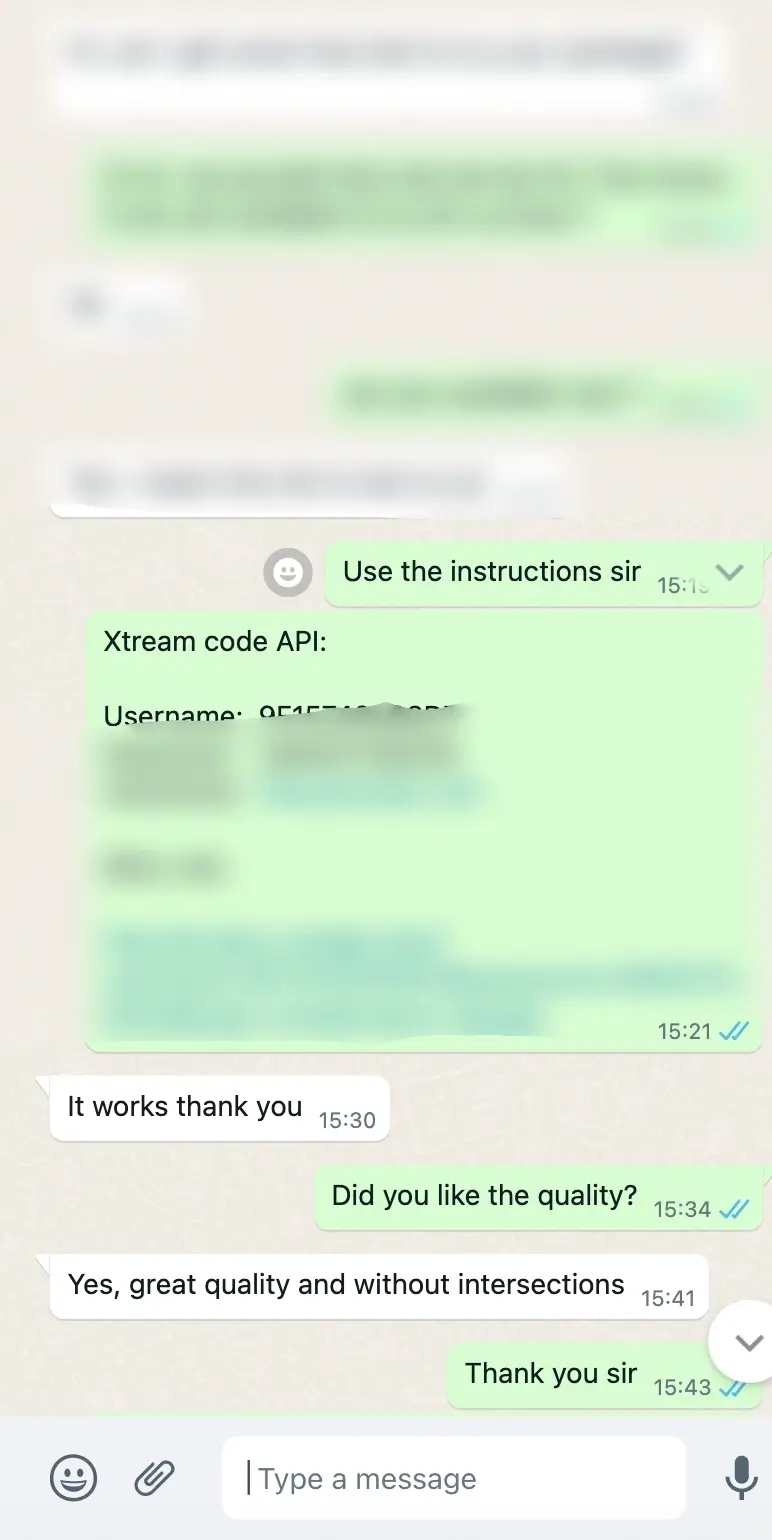
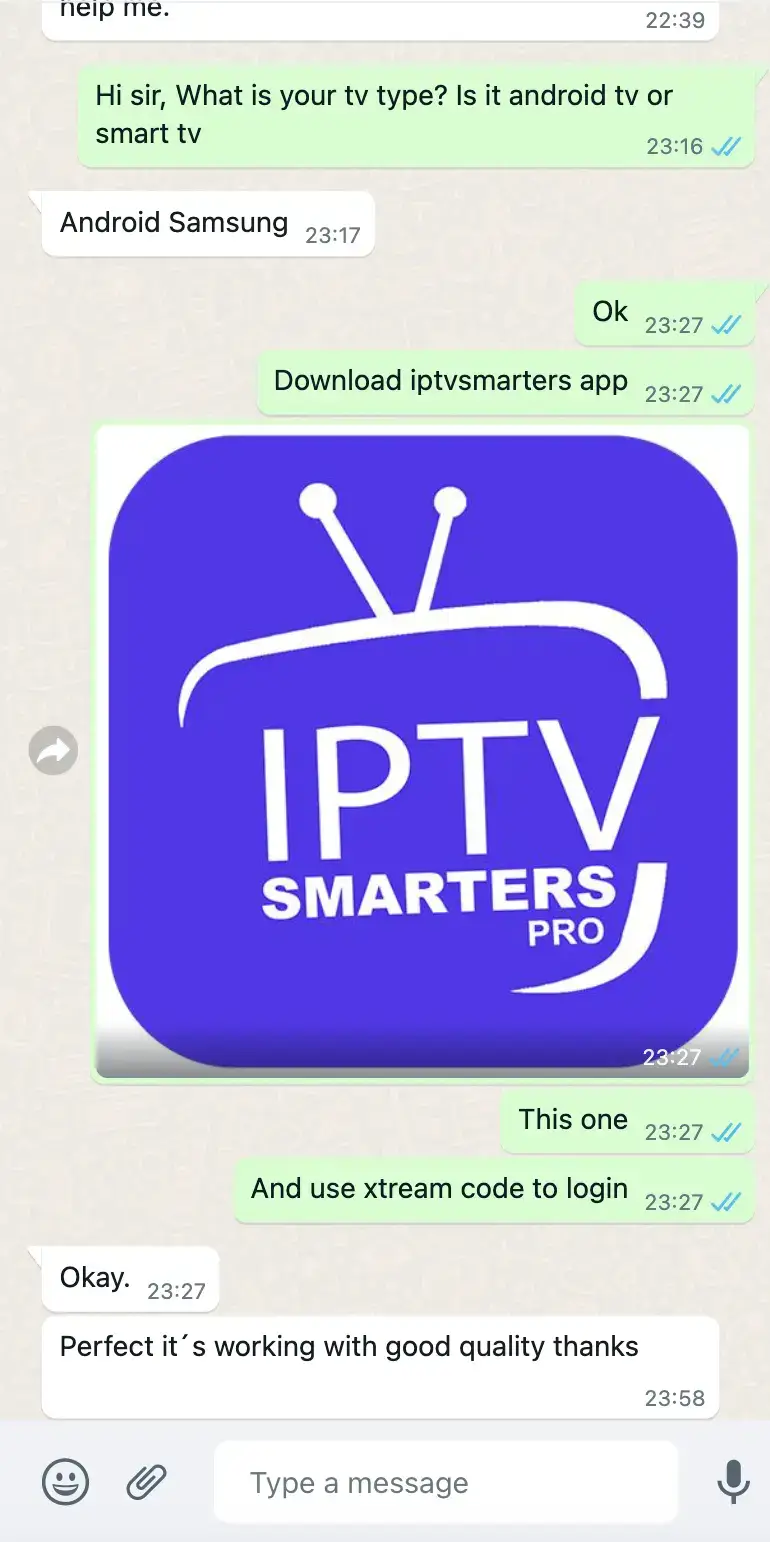
Screenshots are shared examples of support conversations, not ratings or guarantees of future service.
A simple, provider-neutral checklist for choosing an app, adding your own authorized configuration, and protecting account details.
READ NOTE 02Devices · 4 min readHow to choose a device for a streaming setupCompare operating-system support, app availability, network options, and the practical trade-offs between a television and a separate box.
READ NOTE 03Protocols · 5 min readM3U playlists and Xtream Codes: what the setup terms meanUnderstand two common ways compatible media players can receive configuration details, and how to handle those details safely.
READ NOTEIt is the number of streams that may be active at the same time. See the plan FAQs for how this differs from installed devices.
Yes. Message us on WhatsApp; the provider confirms availability and conditions.
Get your playlist or account configuration from a provider you are authorized to use.
Use WhatsApp to ask about an order, trial, device, or reseller package. The provider confirms current availability and terms.